


Download GoodNews – RSS reader, podcast player, Google Reader, Android app, news aggregator
Overview
GoodNews is a desktop-like RSS and podcast management tool designed for Android users seeking a more flexible alternative to Google Reader. As a combined feed reader and podcast player, it enables users to aggregate content from multiple sources using RSS and Atom feeds. The application serves individuals who rely on curated news and audio content but desire greater control over their reading and listening experience. It is particularly suited for professionals, students, and content enthusiasts who manage high volumes of digital information daily.
GoodNews requires a Google Account for synchronization, aligning it with the original Google Reader ecosystem. While the interface maintains a familiar layout, it does not represent a major visual overhaul. The developer did not provide additional details about the team’s background or development philosophy. Real-world usage scenarios include tracking breaking news, following industry blogs, managing personal newsletters, and organizing podcast libraries across multiple devices. The app aims to enhance workflow efficiency by offering deeper customization and streamlined access to content.
Key Features & Capabilities
- Comprehensive Feed Management: Supports RSS and Atom feeds, allowing users to subscribe to a wide range of content sources including news sites, blogs, and newsletters.
- Advanced Podcast Controls: Offers pause/resume download functionality, automatic playback of the next episode, and customizable storage locations for audio files.
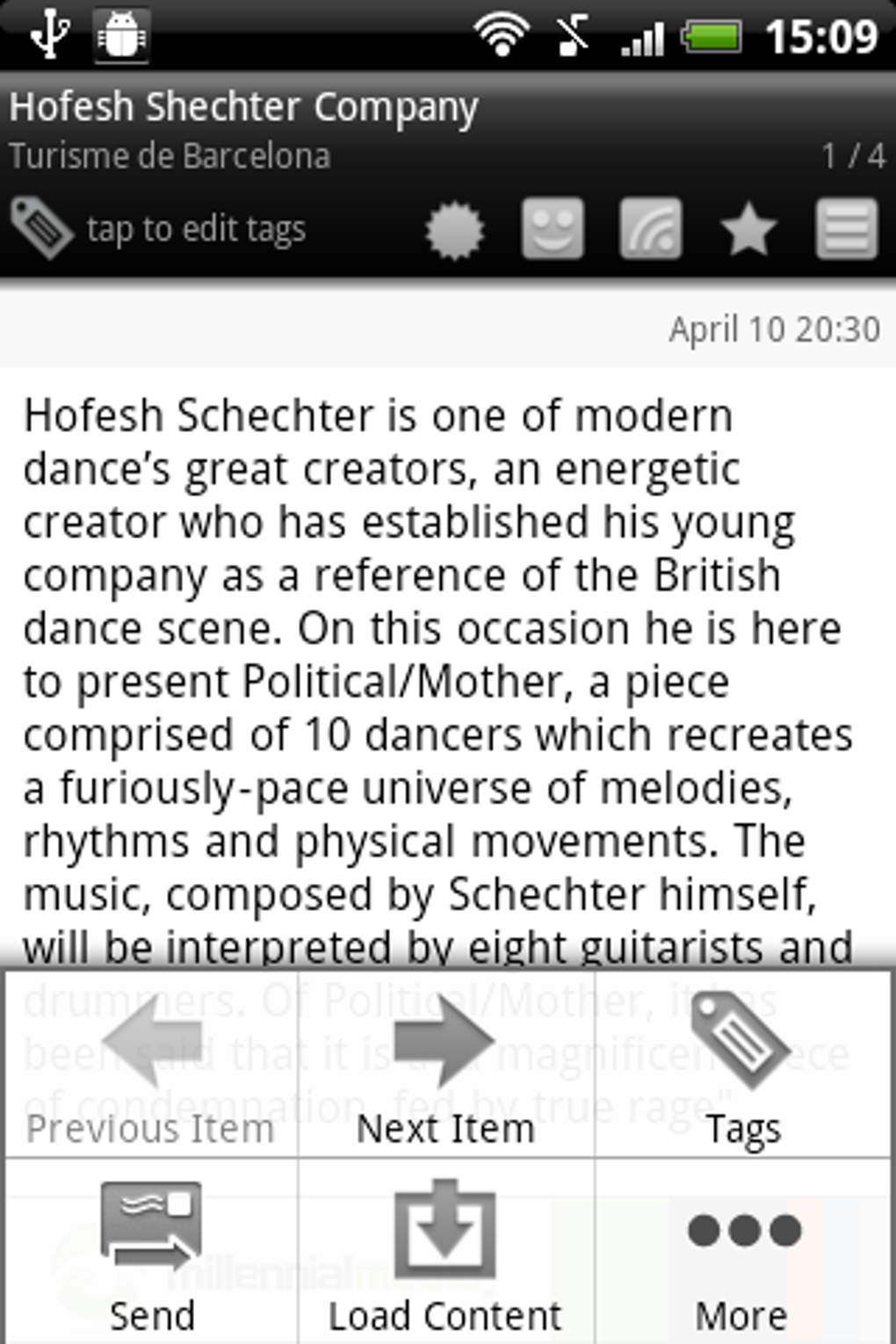
- Customizable Action Toggles: Features quick-access buttons for marking items as read, starred, shared, or saved for later, with color-coding for visual clarity.
- Accessibility Options: Includes settings to accommodate users with color vision deficiencies, enhancing usability for diverse audiences.
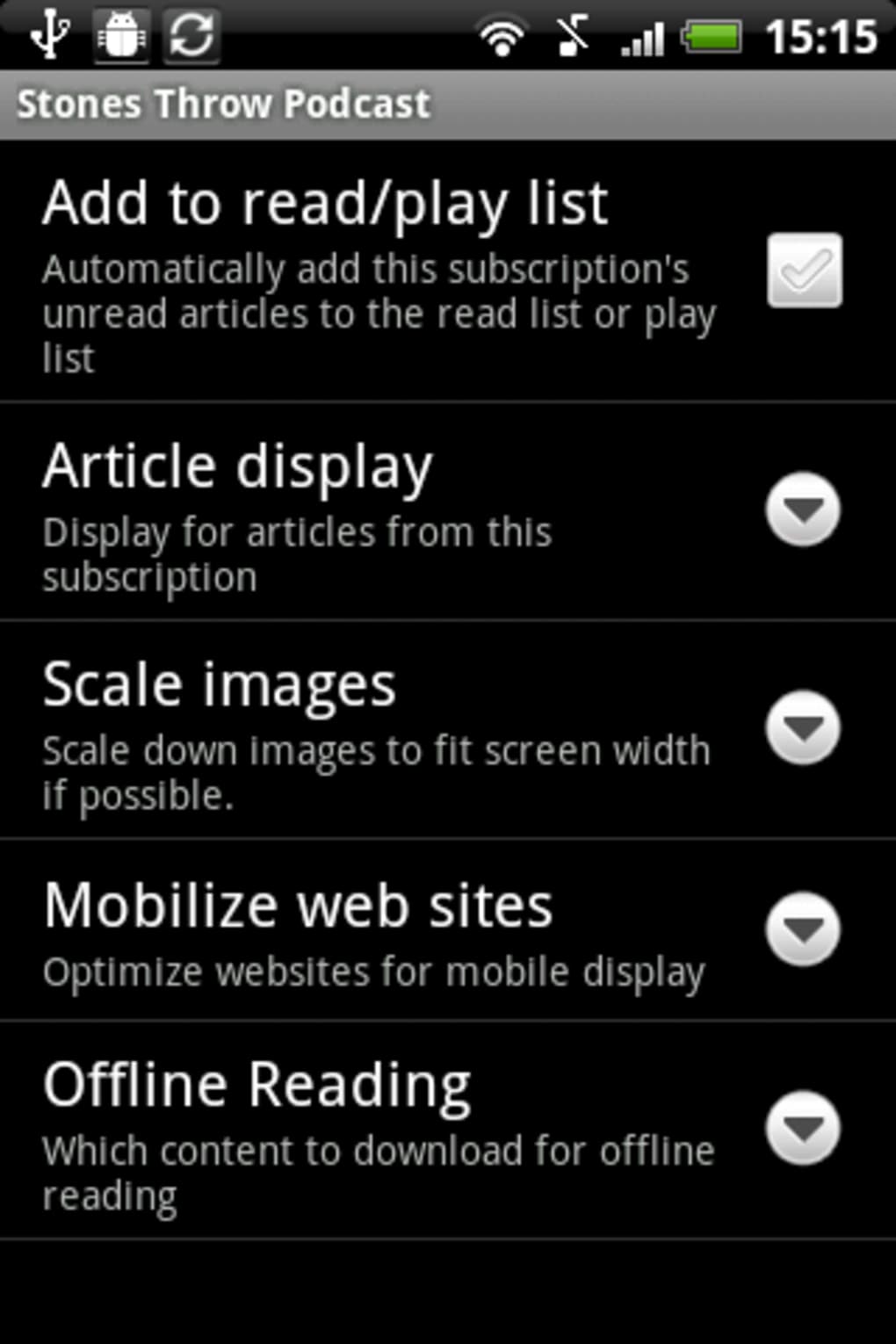
- Extensive Configuration Settings: Over 30 customizable options allow users to fine-tune behavior, display, and synchronization preferences.
These features support efficient content consumption, especially for users who manage multiple subscriptions. The ability to save items for later playback or reading proves valuable during travel or low-bandwidth conditions. The emphasis on granular settings suggests a design philosophy centered on user autonomy and long-term customization. While the interface remains largely unchanged from Google Reader, the depth of configurability offers a meaningful upgrade in functionality.
User Interface, Workflow & Performance
The user interface of GoodNews follows a clean, minimalist structure typical of feed readers, prioritizing content visibility over decorative elements. Navigation is straightforward, with a sidebar for feed categories and a central panel displaying article or episode lists. The workflow emphasizes quick actions through prominent toggles, reducing the number of taps required to manage content.
Performance observations are based on general software behavior patterns. The developer did not specify resource usage details, and exact CPU or RAM behavior was not disclosed. Users may experience delays during initial sync or when loading large feed lists, as noted in testing. However, no stability issues were reported during typical use. The app maintains responsiveness under normal conditions, though performance may vary depending on device hardware and network speed.
Compatibility & System Requirements
GoodNews is designed for Android devices and supports the Android operating system. The current version is 1.2.3, with a file size of 12.4 MB. The developer did not specify exact system requirements, including minimum Android version or hardware specifications. Compatibility information was partially provided, and users should ensure their device meets general Android compatibility standards.
Installation is straightforward, with the app available through official channels. No additional dependencies were mentioned. For users concerned about storage, the lightweight footprint makes it suitable for devices with limited space. However, performance may be influenced by the device’s processing power and available memory, which were not detailed in the provided information.
Pros and Cons
Pros
- Over 30 customizable settings for advanced personalization
- Robust podcast management with pause/resume and auto-play features
- Color-coded action toggles with accessibility support
- Lightweight installation size (12.4 MB)
- Integration with Google Account for seamless sync
Cons
- Ad-supported model may disrupt user experience
- Limited visual customization options
- Performance may be slow on older or lower-end devices
- No official desktop version available
- Ads can be intrusive despite the availability of an ad-free add-on
FAQ Section
Is GoodNews compatible with all Android devices?
GoodNews is designed for Android, but specific compatibility details were not provided. Users should ensure their device meets general Android requirements.
Is the app secure to use?
GoodNews requires a Google Account for functionality. While the developer did not disclose security protocols, the app operates within standard Android security frameworks.
How often are updates released?
Version 1.2.3 was released on November 15, 2023. The frequency of future updates was not specified.
Can I use GoodNews offline?
Yes, content can be saved for later reading or playback. However, initial synchronization requires an internet connection.
Is there a free version available?
Yes, GoodNews is free to download and use, with in-app purchases available to remove ads and unlock additional features.
Final Thoughts + CTA
GoodNews stands out as a powerful, highly configurable alternative for users seeking to enhance their Google Reader experience on Android. While its interface remains largely unchanged from the original, the depth of customization and robust podcast integration offer tangible benefits. The app is ideal for users who value control, accessibility, and long-term content management.
Despite minor performance delays and ad interruptions, its flexibility and feature set make it a strong contender in the productivity space. For those willing to invest time in setup, GoodNews delivers a tailored experience that surpasses basic feed readers. Download GoodNews now.





.png)

